
Version 1.8 · iOS 15+ · iPhone and iPad
an Hatari port to iOS, emulates the Atari ST, adds touch screen mouse control, games sources and more
Add to SideStoreAdd to LiveContainer
Or copy this URL into the app’s Sources → + field:
https://atari-st-source.toma-ever.workers.dev/source.json
Download IPA · Full source code · GPL license · Checksums
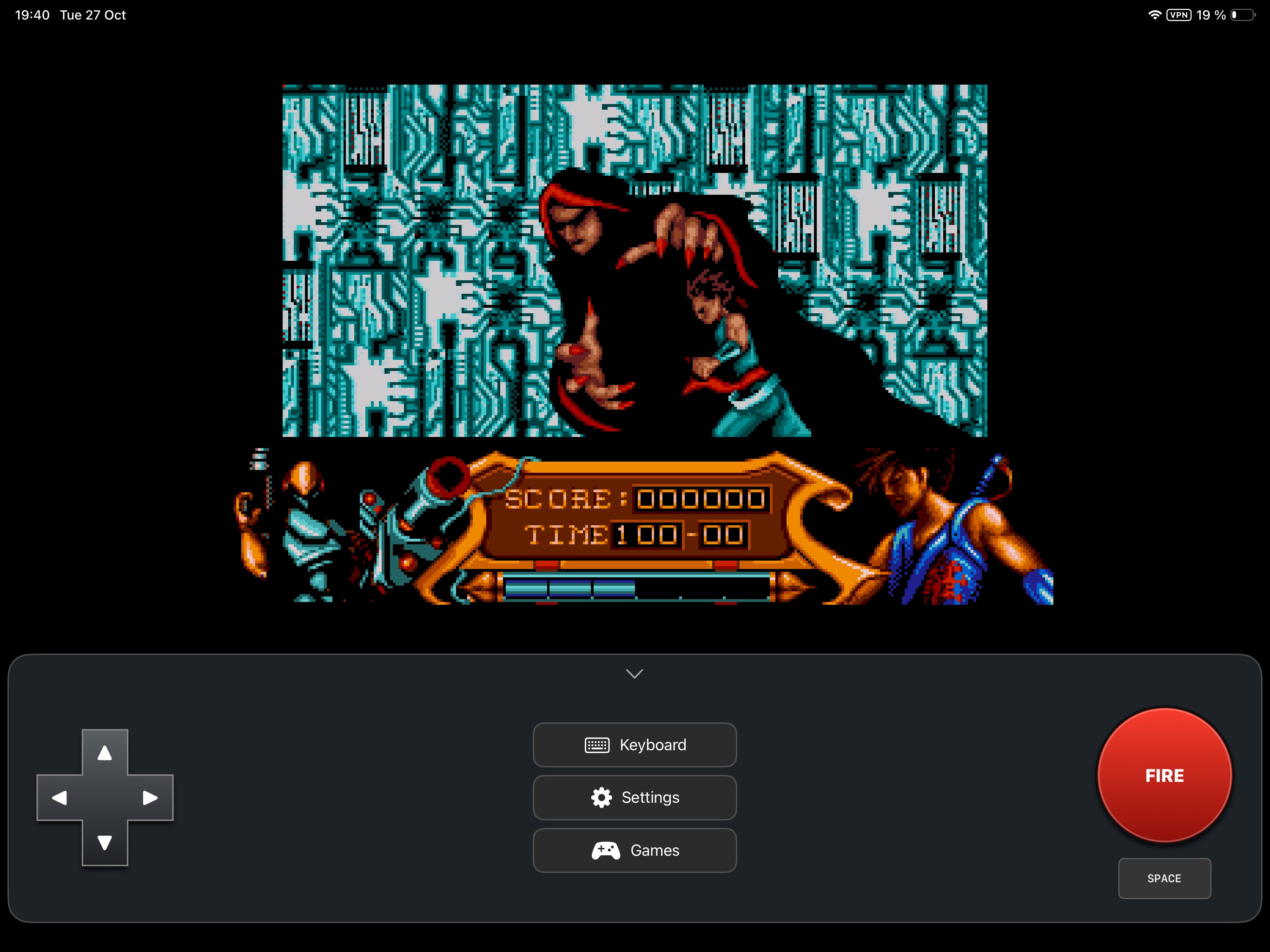
Supply your own compatible TOS ROM and disks. No firmware or games are included. The IPA is unsigned; your sideloader or configured LiveContainer handles signing. Previous joystick, Fire and audio operation was confirmed by the user on iPad Pro (3rd generation).
Games offers searchable Archive.org titles, downloads and automatic mounting. ZIP archives extract every compatible disk into Disks / Game Name, then delete the ZIP after validation. Choose the starting disk and find the rest in saved games. No game.json indexes are required. Files are visible directly in Files → On My iPad → Hatari, with ROMs / Disks / Games. Paired iOS-supported gamepads provide D-pad or left stick and A/B/right-shoulder Fire. Choose Play to mount and restart, or Mount to change disks without resetting. Sources switches to Planet Emu or downloaded games; website downloads use the site’s normal controls and availability. On first launch, use ROM → Browse in Hatari settings to choose your TOS, then confirm with OK. Later launches boot directly with saved settings. Change disks and reset the machine inside Settings. Slide on the display to use the mouse as a trackpad, or enable Direct touch mouse (TOS/GEM) in Settings to position it where you touch. Tap for left click, use a second finger for right click, and hold to drag. Direct touch requires the standard TOS/GEM cursor; turn it off for games with custom mouse handling.
This is an independent port based on Hatari; it is not an official Atari or Hatari release.